
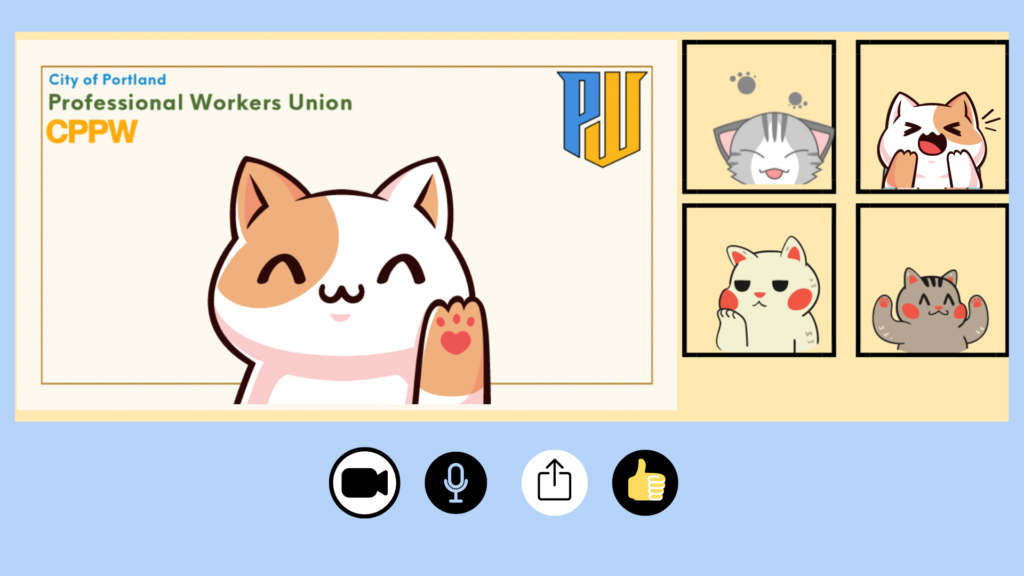
Show your union colors virtually!
Stay in touch on social media and by using the CPPW Discord.
To download these images:
- Select the image.
- In the window that opens, right-click the image and select Save Image.
Video call backgrounds

Teams & Zoom background
Simple design

Teams & Zoom background
Portland skyline

Teams & Zoom background
Abstract with Portland seal

Teams & Zoom background
Office scene
Avatars / profile pics


To install the video call background:
Teams
• At the pre-join page or during a call, select Effects > Video Effects
• Select More video effects > Add new to upload your image file
• The image will look reversed to you, but it will display correctly for everyone else. If that doesn’t happen, select the camera icon below your preview video, then select More video settings > Mirror my video
Zoom
• From the video menu or during a call, select Video Settings
• Scroll down to Background & Filters
• Select the plus sign (+) and upload your image file
• Text backward? In Video Settings, scroll to the Video tab and select/deselect Mirror my video
To change your profile picture:
Teams
• Open the account manager at the top right of your Teams screen
• Select the camera icon & upload the logo file
Zoom
• In the navigation menu, select Profile
• Select your profile picture & upload the logo file
The profile picture will appear during video calls when your camera is off.