Join Worker Wednesdays with your CPPW gear

Every Wednesday CPPW members wear union swag and colors to show support for your Bargaining Team & for a strong contract!
We have both physical and digital swag that is available to all CPPW members!
Physical swag: t-shirts and more!
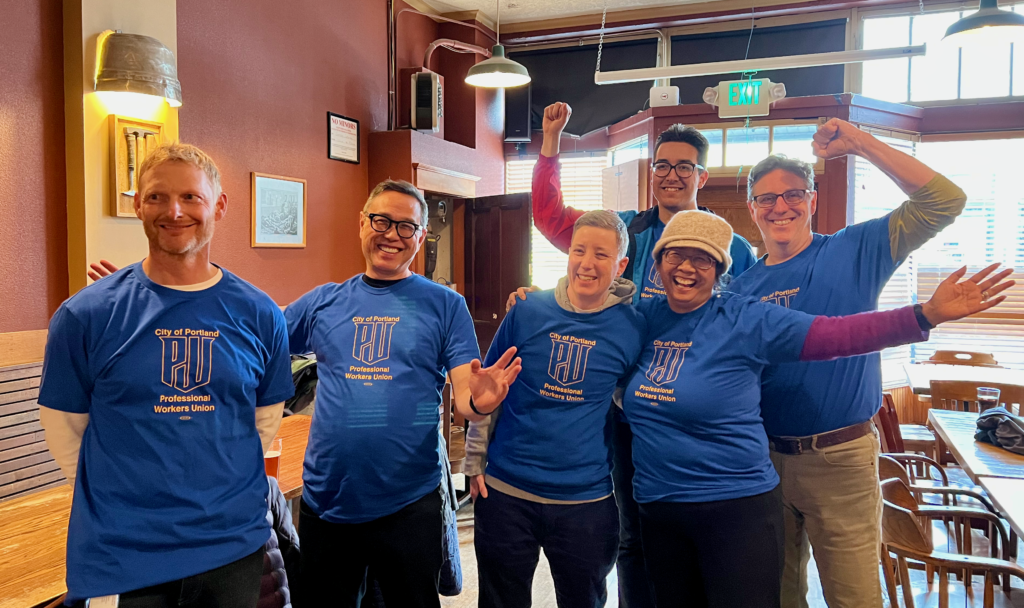
CPPW has t-shirts, lanyards, and button pins available for all members.
Need a t-shirt, lanyard, or button, email info@cppwunion.org or ask your steward! We’ll deliver or you can pick up at various City offices.
Digital swag: backgrounds and logos!
Backgrounds for virtual meetings

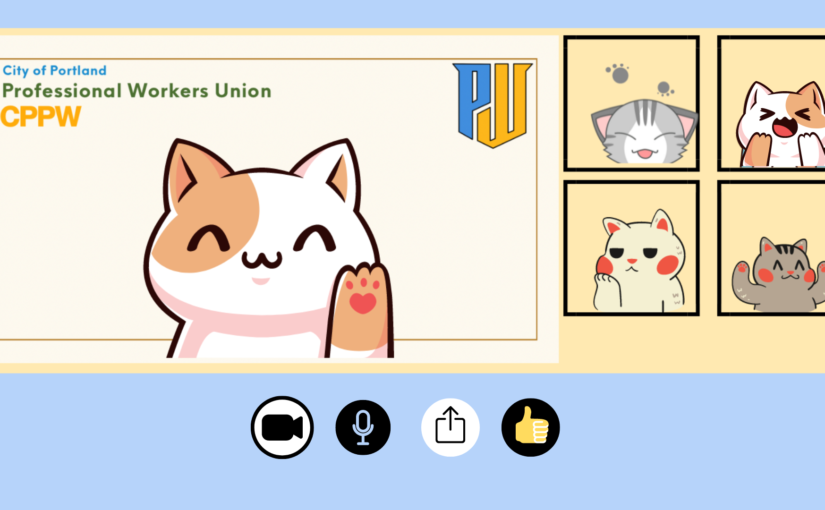
Teams & Zoom background
Simple design

Teams & Zoom background
Portland skyline

Teams & Zoom background
Abstract with Portland seal

Teams & Zoom background
Office scene
How to download these images
- Select the image.
- In the window that opens, right-click the image and select Save Image.
How to install the CPPW background in Teams
- At the pre-join page or during a call, select Effects > Video Effects
- Select More video effects > Add new to upload your image file
- The image will look reversed to you, but it will display correctly for everyone else. If that doesn’t happen, select the camera icon below your preview video, then select More video settings > Mirror my video
How to install the CPPW background in Zoom
- From the video menu or during a call, select Video Settings
- Scroll down to Background & Filters
- Select the plus sign (+) and upload your image file
- Text backward? In Video Settings, scroll to the Video tab and select/deselect Mirror my video
Logos for avatars or profile pics


How to download these images
- Select the image.
- In the window that opens, right-click the image and select Save Image.
How to change your profile pic in Teams
- Open the account manager at the top right of your Teams screen
- Select the camera icon & upload the logo file
How to change your profile pic in Zoom
- In the navigation menu, select Profile
- Select your profile picture & upload the logo file
 September 9, Noon-1pm